 AnoLog
Offline tracker for Android
Track any number, on a screen built for it.
Your weight, a set of squats, what you spent on groceries, how much water you drank. One app, for anything you name.
In development · Not yet on the Play Store-
Offline
No account, no server, no analytics, no crash reporting. Nothing leaves your phone.
-
Free
No purchase, no subscription, no ads.
-
Yours to keep
Back up everything to one file and restore it on a new phone, or export any tracker as CSV.
-
One-handed
Everything you tap sits at the bottom of the screen, and you set a value by swiping anywhere on it.
One row, for anything
Most trackers store the same thing: a named thing, a number and a time. AnoLog, short for another logger, stores that row once, for anything you name. Every tracker is one of six kinds.
| Kind | For example | What you see |
|---|---|---|
| Reading | weight, blood pressure, mood | the latest value, plotted over time |
| Tally | practice minutes, water, macros | totals per day, week or month, as bars |
| Balance | a wallet, a budget, a debt | a running balance, income and expenses |
| Pair | weight × reps, distance × time | records, volume and estimated one-rep max |
| Habit | meditate, vitamins | done or not each day |
| Journal | a diary, gratitude, dreams | what you wrote, and how many entries |
Start from a starter pack (Workouts, Vitals or Money), adopt one of 27 presets, or answer two questions: what kind of number, and in what unit.
A screen for each kind of number
Weight is a scale. Money is a register keypad. A lift is a barbell that loads plates as you set the weight. Anything else gets a plain form.
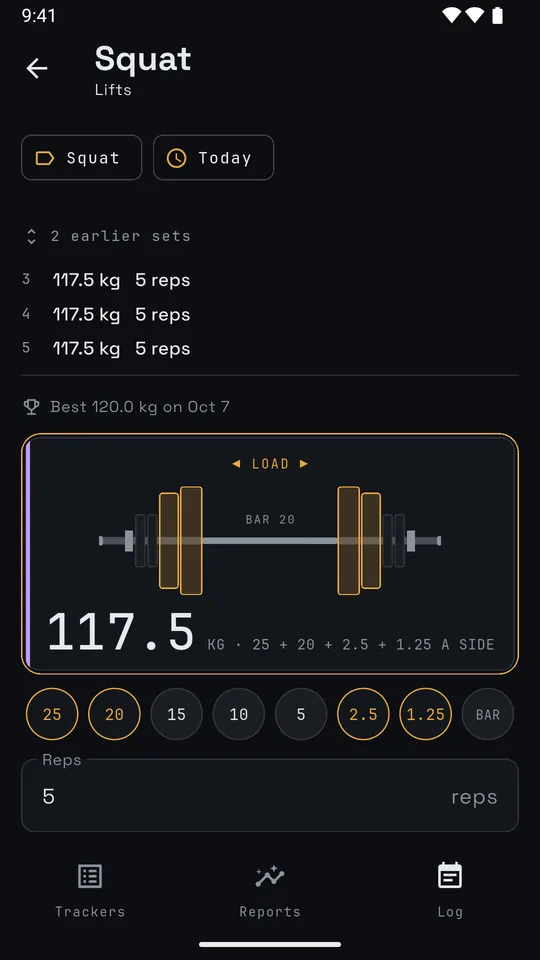
- BottomEverything you tap sits in the lower third of the screen, under your thumb.
- SwipeSet the value by swiping anywhere on the screen. No keys to aim at.
- RepeatA new entry starts from your last one. Logging the same set again is one tap.
Log from the home screen
Ten widgets for tallies, habits, money, lifts, mood and targets. A tap logs it, with no app to open. Every log shows Undo for four seconds, so a mis-tap costs nothing.
- 1
- 2
- 3
- 4
- 5
- 6
- 7
- 8
- 9
- 10
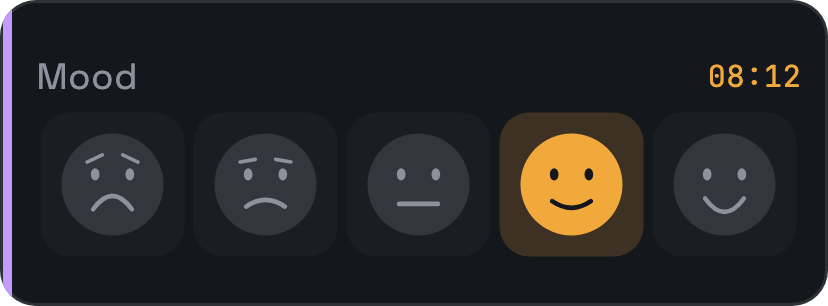
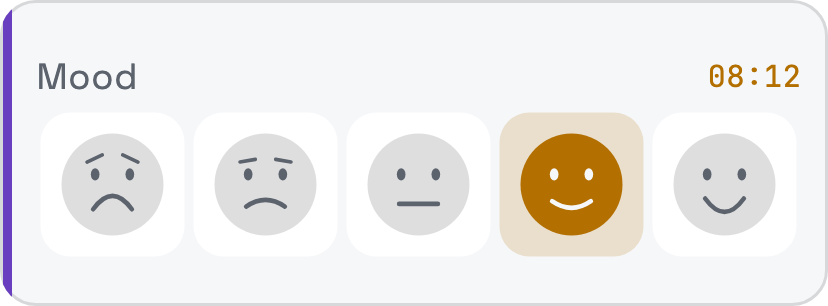
- 1Mood
Tap a face to log today's mood.
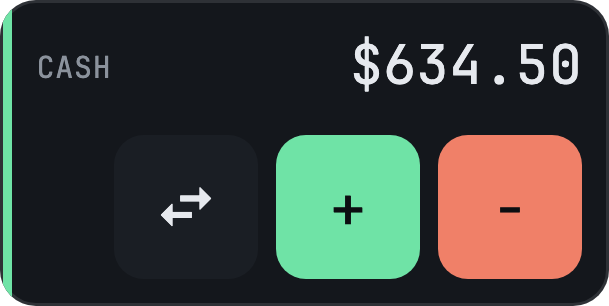
- 2Balance
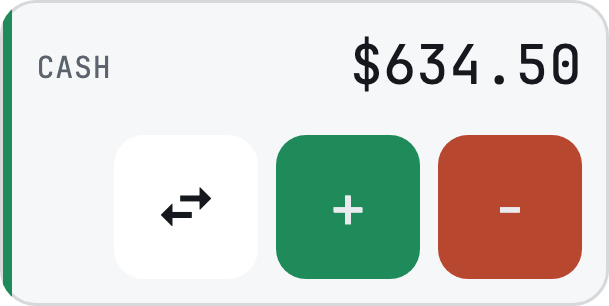
A wallet's balance. Plus and minus open the form on income or expense, the arrows move money between wallets.
- 3Quick add
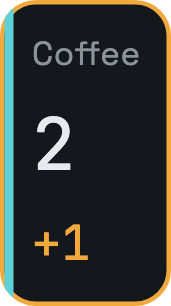
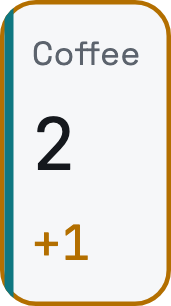
Tap to add one, or your step, to a tally, or tick a habit.
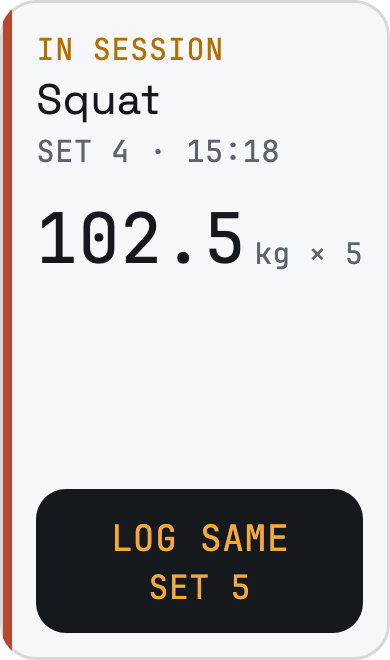
- 4Next set
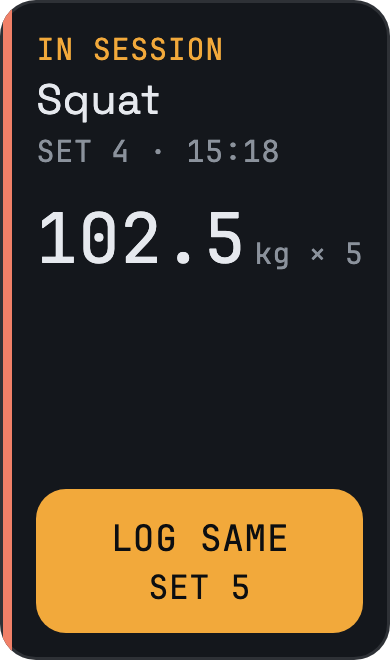
Mid workout, your last set of the lift. Tap to log it again.
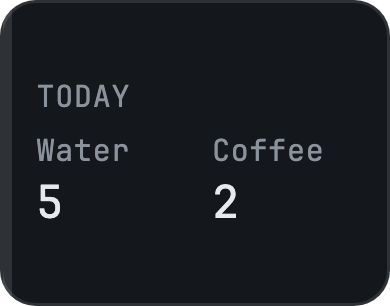
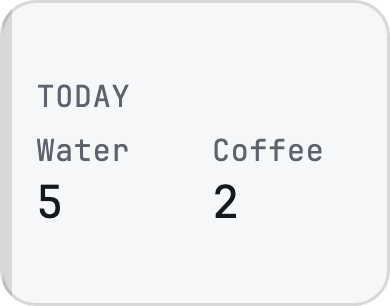
- 5Today strip
Today's value or tick for up to eight trackers. Tap one to log it.
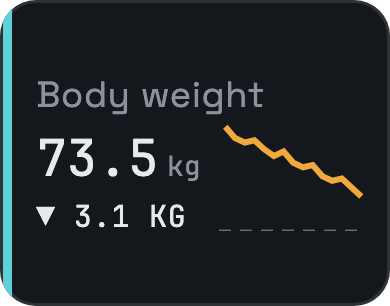
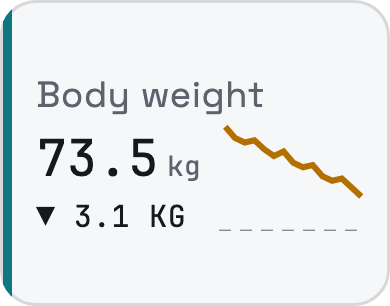
- 6Trend
A tracker's latest value and where it has been heading.
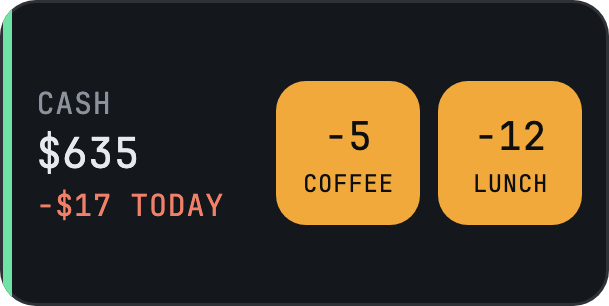
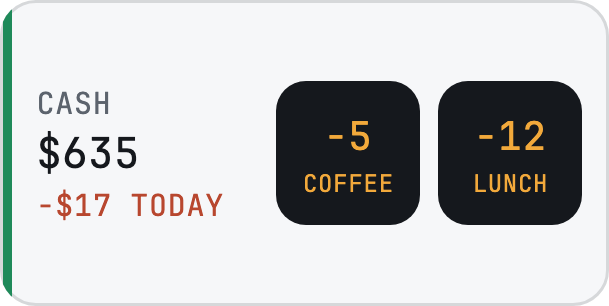
- 7Wallet presets
A wallet's balance plus two amounts you spend often. Tap one to log it.
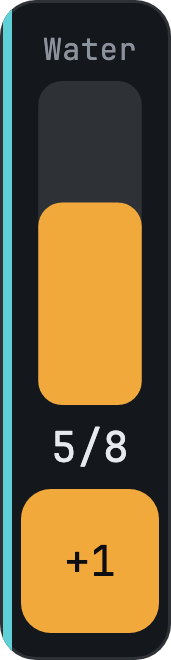
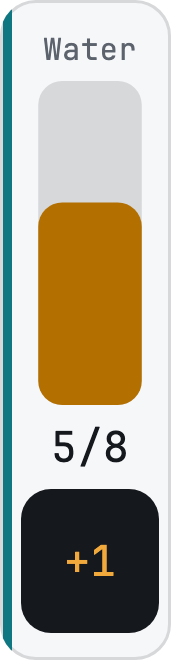
- 8Glass
Fills toward today's goal. Tap the key to add a glass.
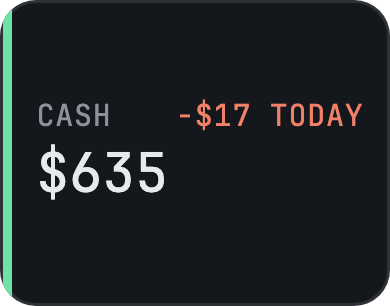
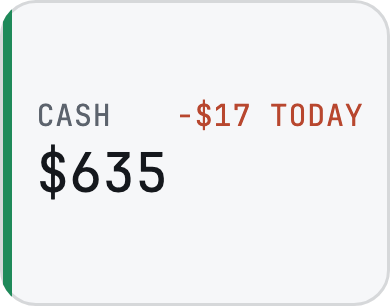
- 9Wallet
A wallet's balance and today's net. Made wider, the last seven days.
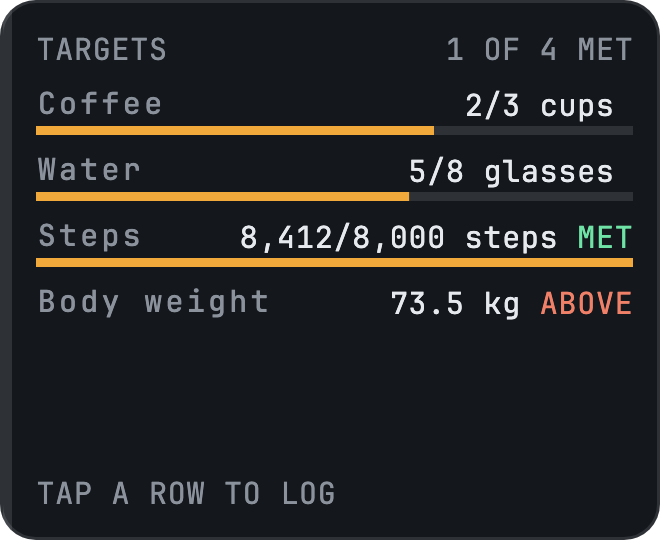
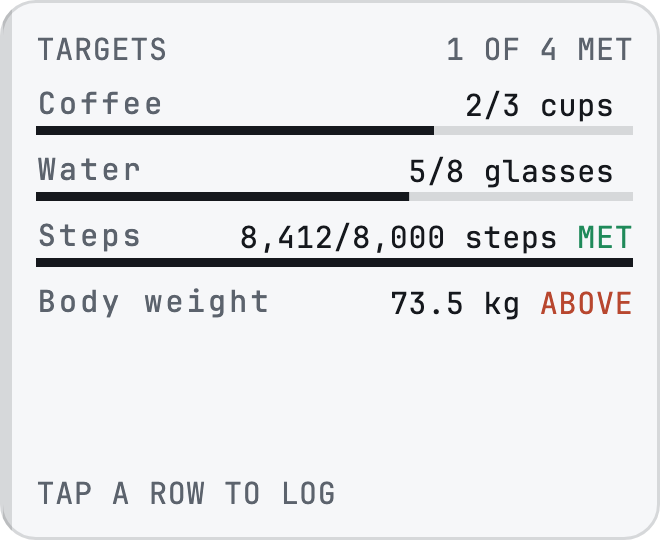
- 10Targets
Every tracker with a target and how many are met. Tap a row to log.
Every widget grows. Make it bigger and it shows more.
See how it's going
Three tabs: Trackers, Reports and Log. Log sits on the right, under your thumb. It lists only what you actually logged in the day, week, month or year you're looking at. Reports charts every tracker in a way that fits its kind, and puts every wallet on one page.
Your data stays yours
AnoLog makes no network calls and opts out of Android's cloud backup. Back up to one file, kept wherever you choose, and restore it in one step. Read the privacy policy.